Granting and Revoking Facility Access
Last updated: June 11, 2026
Only select user roles have the ability to perform this action.
Please refer to the training video below for a tutorial on How to grant/revoke facility access:
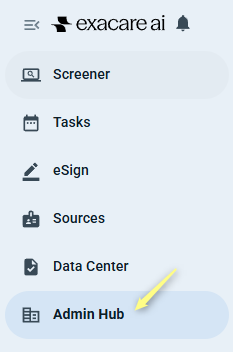
Click Admin Hub on the left-hand navigation menu.
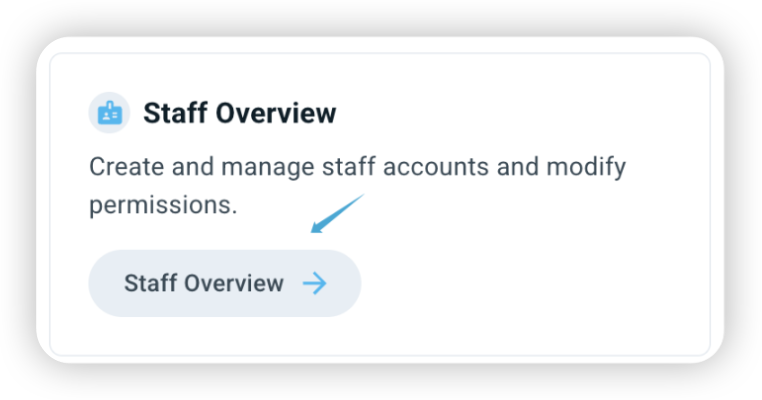
Click Staff Overview in the Admin Hub page.
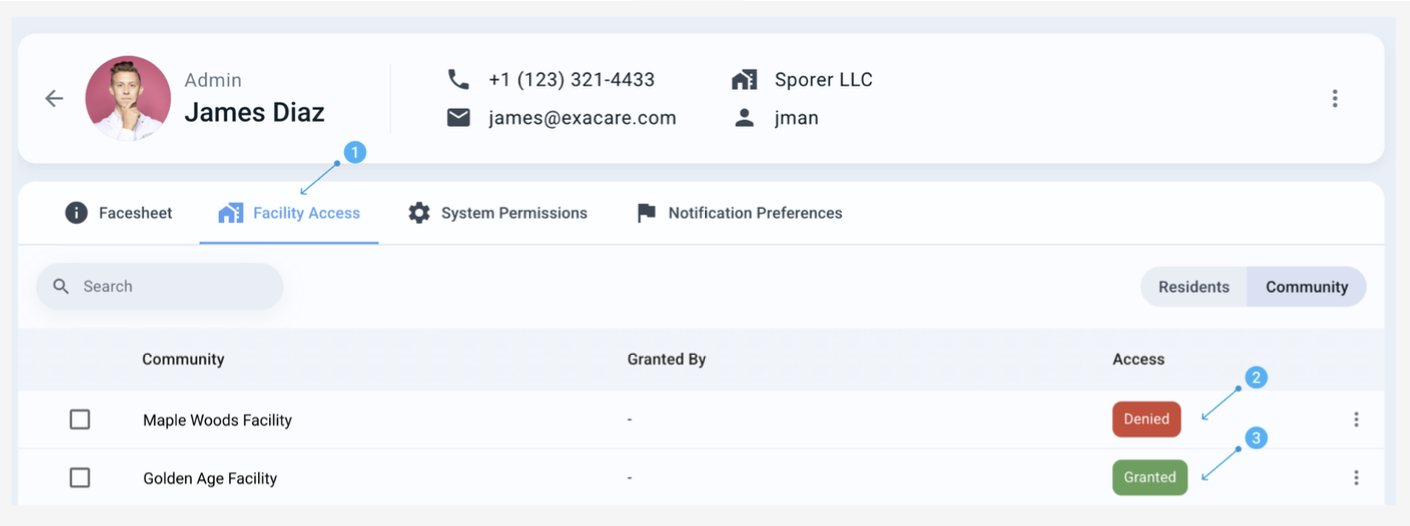
Locate the user whose facility access you would like to change, then click on their name.
Select the Facility Access tab (1).
Facilities show 1 of 2 statuses: Denied (2) or Granted (3).
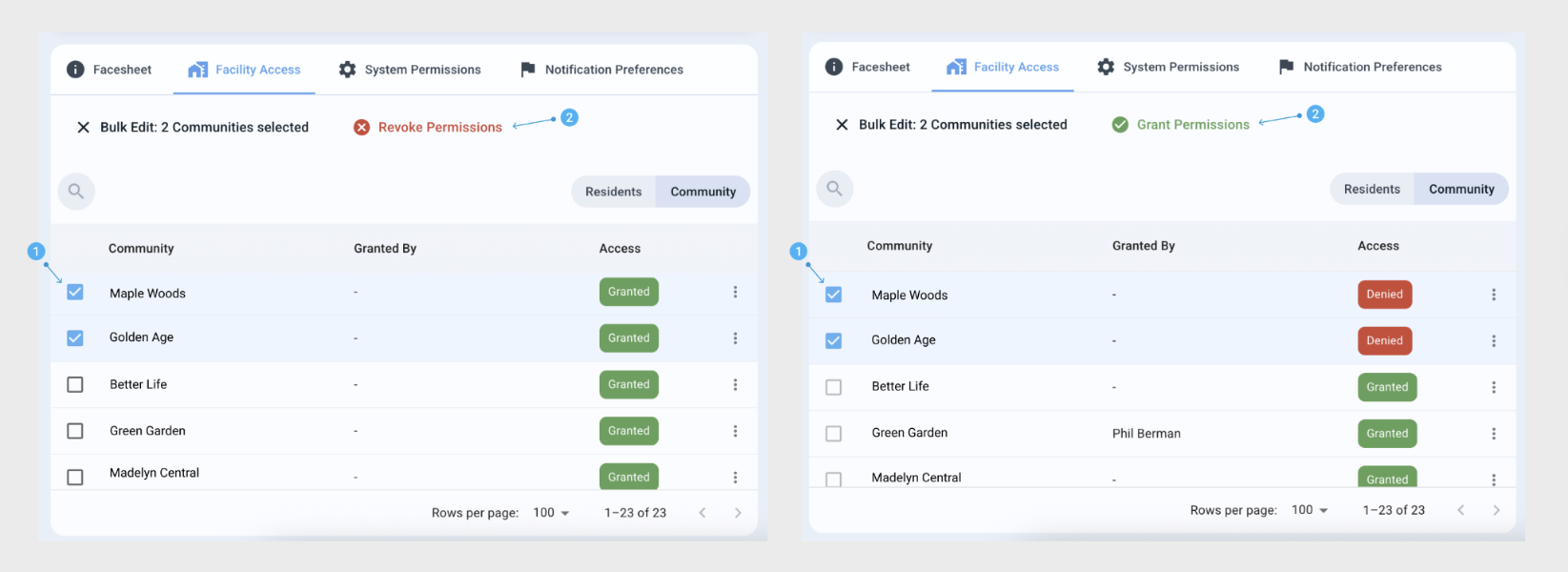
To change access:
Tick the checkbox (1) on the left side of all the facilities you would like to change the user’s access to.
Directly above the search bar, either a Grant Permissions button (2) or Revoke Permissions (2) button will appear.
Click that button, then confirm facility access change by entering your PIN.