Quick Upload
Last updated: June 11, 2026
Please refer to the training video below for a +Quick Upload Tutorial:
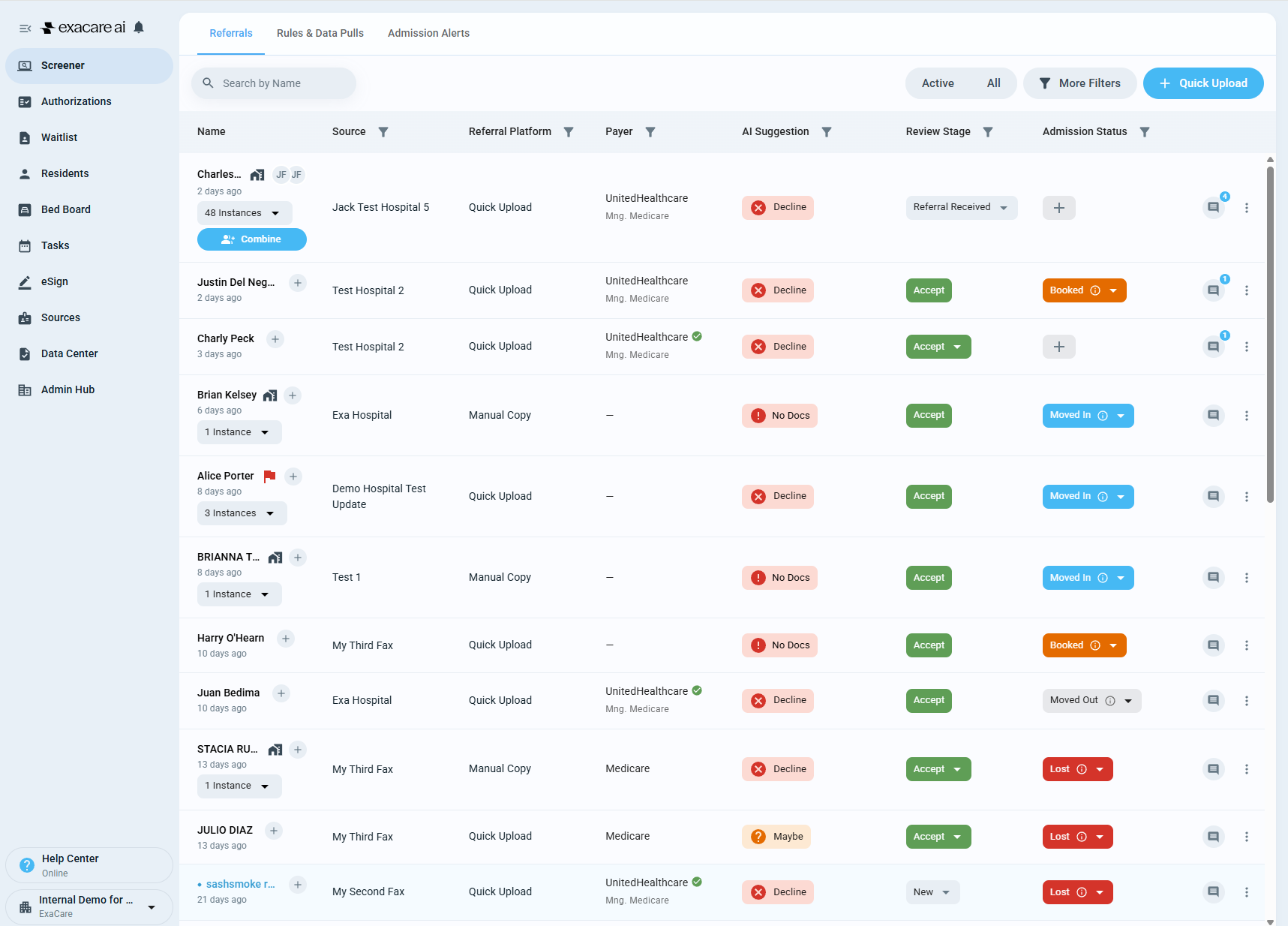
Navigate to https://app.exacare.com/crm/screener/leads
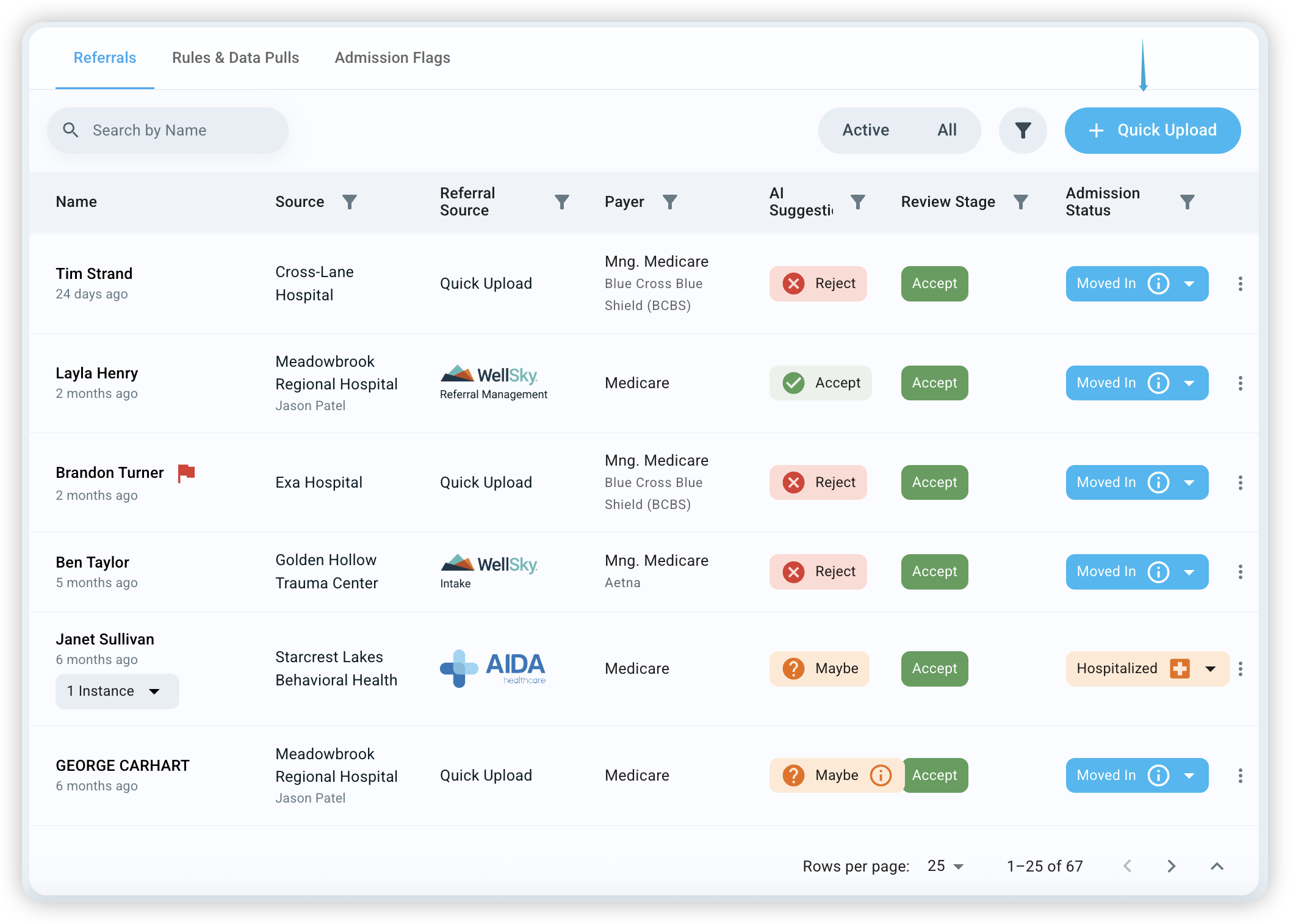
Click the blue + Quick Upload button on the top right
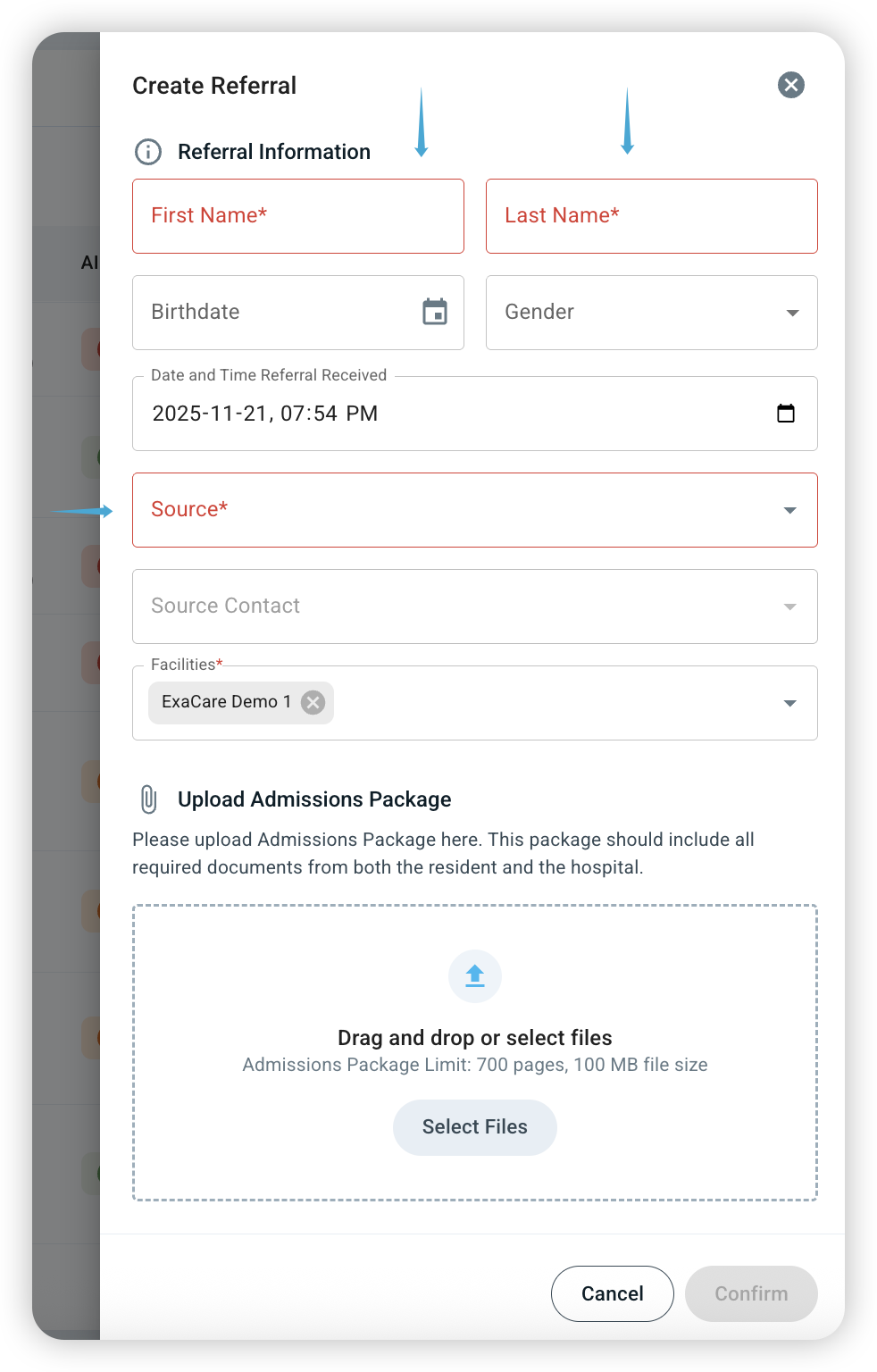
Enter the referral's First Name, Last Name and Source Information (all required fields)
Please add Birthdate, Gender, Source Contact and the Admissions Package as well if you have that information
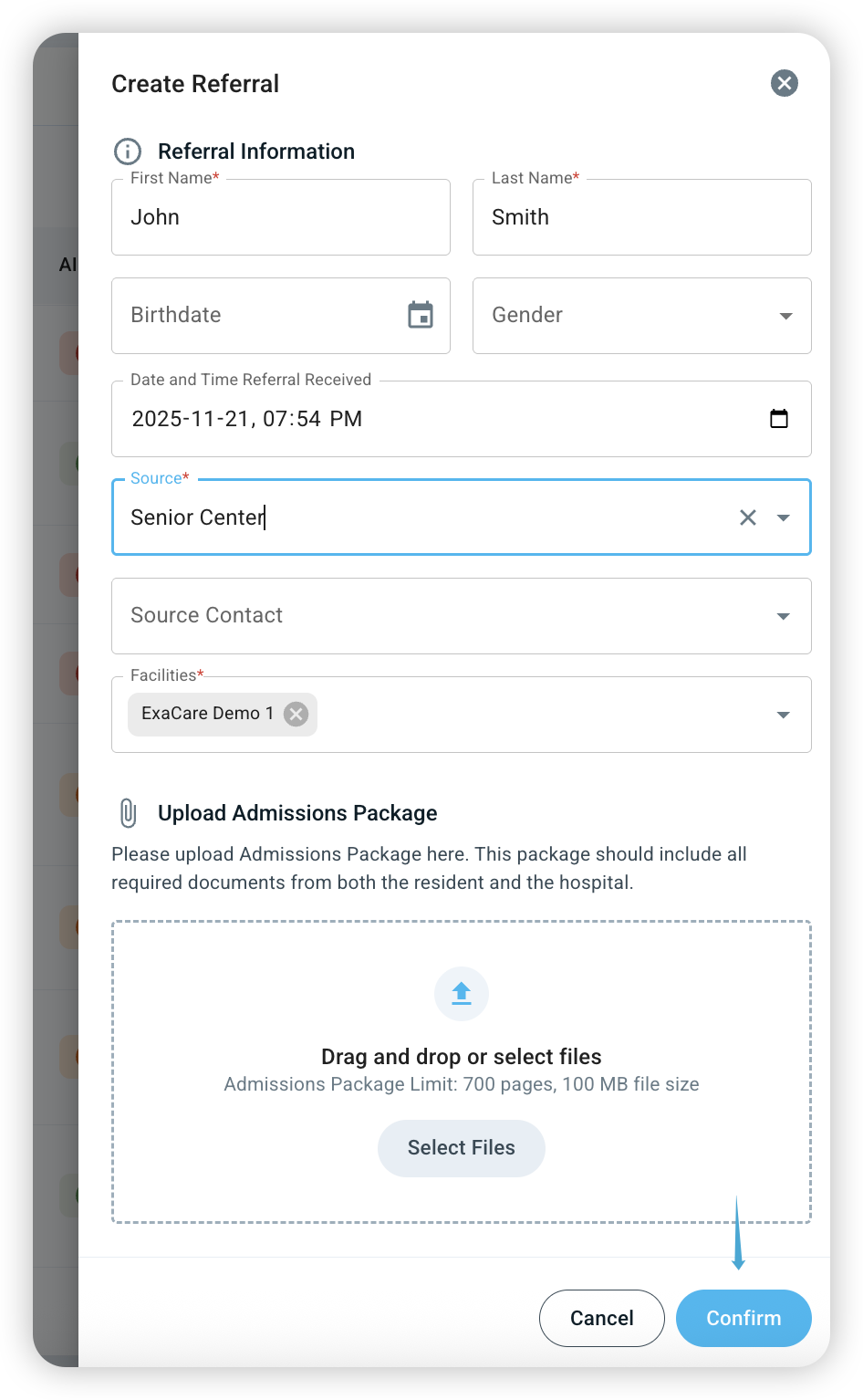
Once completed, click Confirm