Need Support?
Last updated: June 11, 2026
Click the Blue "?" button in the bottom of the left-hand navigation menu to access our Help Center.
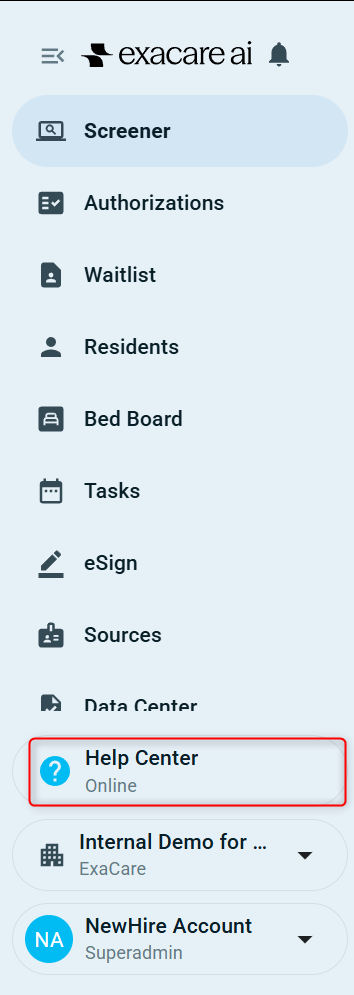
This will open a window on the bottom left-hand navigation menu (pictured below):
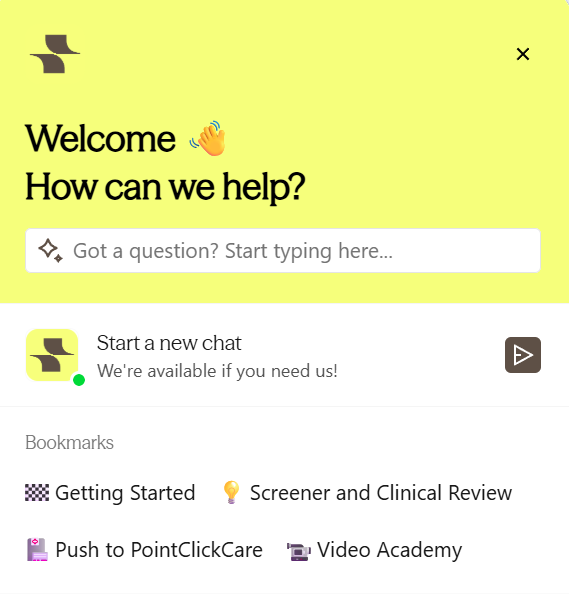
You can view past or ongoing conversations under the 'Start a new chat' section.
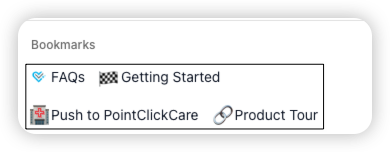
Visit FAQ Help Center – browse articles at https://help.exacare.com/ or click one of the icons under the "Bookmarks" section in the pop-up.
Access our Support Chat – Click the triangle icon to the right of 'Start a new chat'. A member of our team will respond in under 3 minutes! You’ll be prompted to provide brief details so support can help efficiently.

If you have a question related to a referral (or multiple) it is helpful to include the referral name in your message.