Deleting Users
Last updated: June 11, 2026
Only select user roles have the ability to perform this action. It is your responsibility to remove users who no longer need access to your exacare platform.
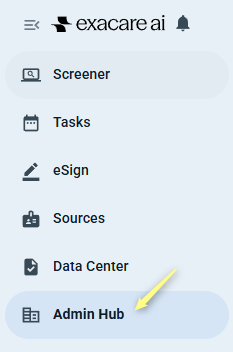
Click Admin Hub on the left-hand navigation menu.
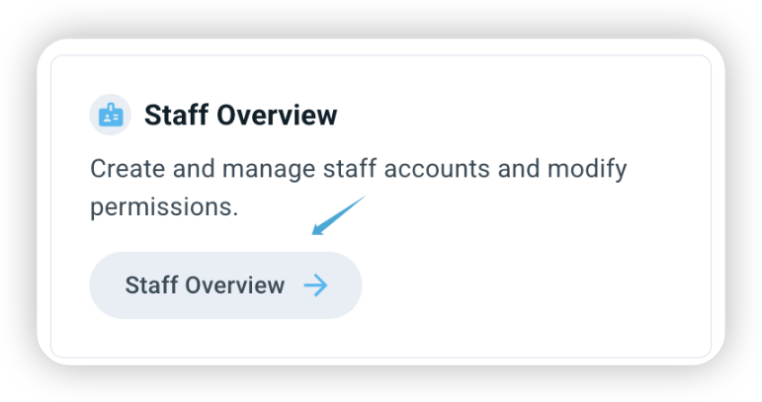
Click Staff Overview in the Admin Hub page.
Locate the user you would like to delete, then click the actions button (1) in the far right of the user’s row.

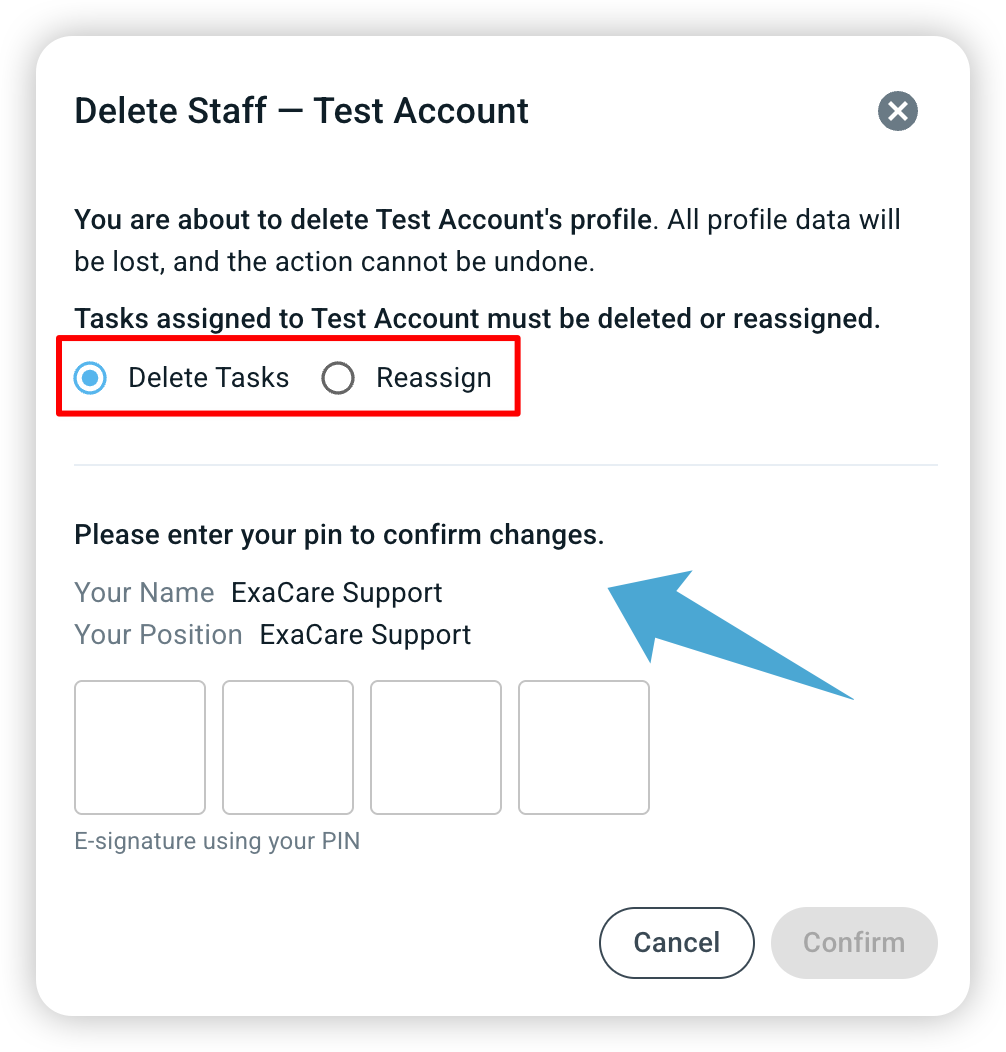
Select Delete profile (2). Confirm deleting the profile by entering your PIN.
When you delete a user, you'll be prompted to either i) delete tasks assigned to that user, or ii) reassign them.
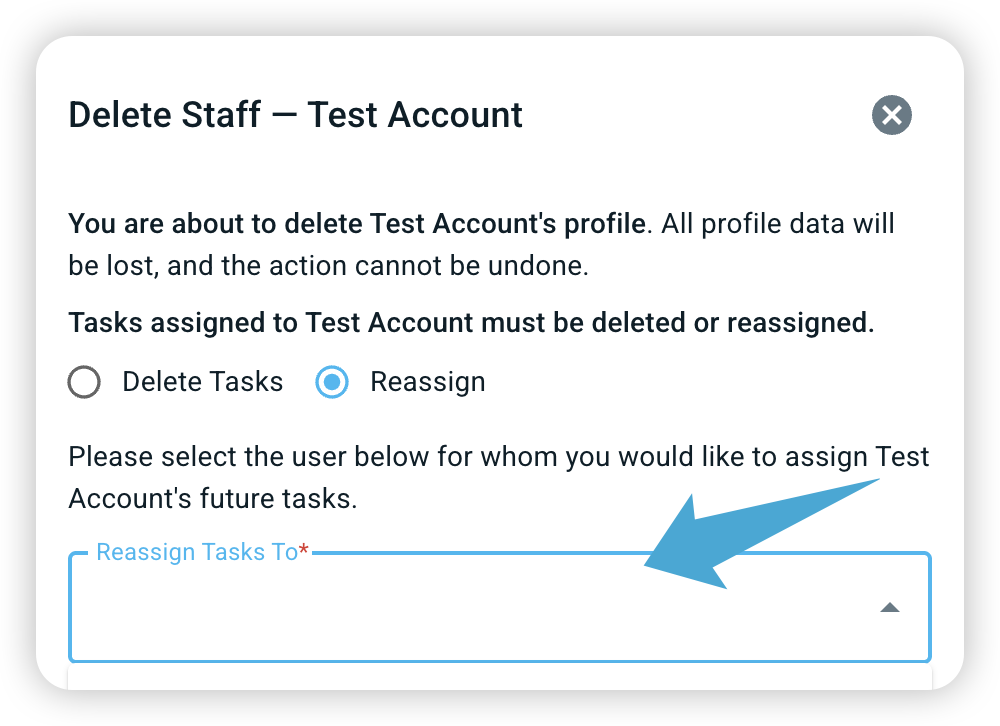
If you choose 'Reassign', you will get the option to reassign all related tasks to another user you can select from the drop down box.
WARNING: Deleting a user cannot be undone.