Resetting Password
Last updated: June 22, 2026
Resetting Your Own Password
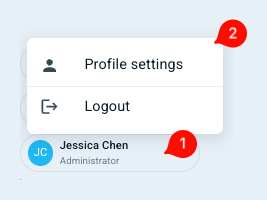
To create a new password, click on your profile icon (1) (bottom of the left-hand navigation menu), and then select Profile settings (2).
You will be directed to a new page, where you will see "Password" under the Safety section:
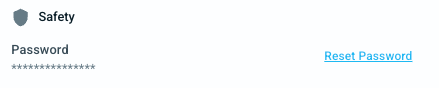
Select "Reset Password" and follow the prompts.
Resetting Password for Other Users
Only Superadmins can perform this action.
Click Admin Hub on the left-hand navigation menu.
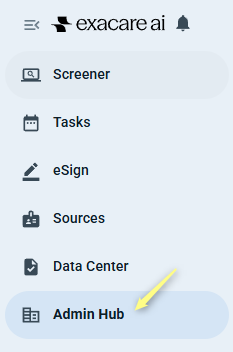
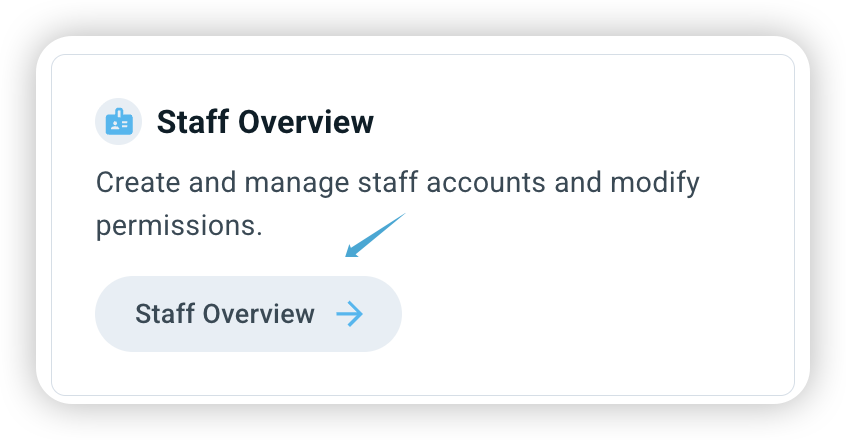
Click Staff Overview in the Admin Hub page.
Locate the user whose password you would like to change, then click on their name.
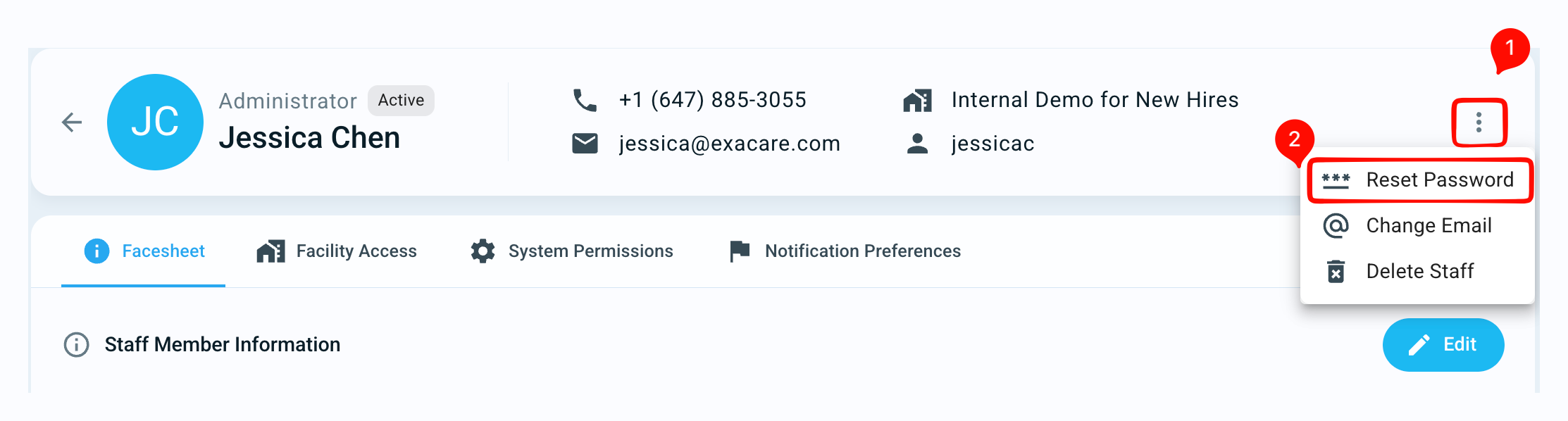
Click on the actions button (1) in the top right corner of the new page you are directed to.
Select the Reset Password (2) option and follow the prompts.