5. Data Center Permissions
Last updated: June 11, 2026
System permissions for the Data Center control which features users can access. These permissions ensure users have the appropriate tools while maintaining proper access across dashboards, reports, and AI features. All user permissions can be viewed and managed within each user profile in the Admin Hub on ExaCare.
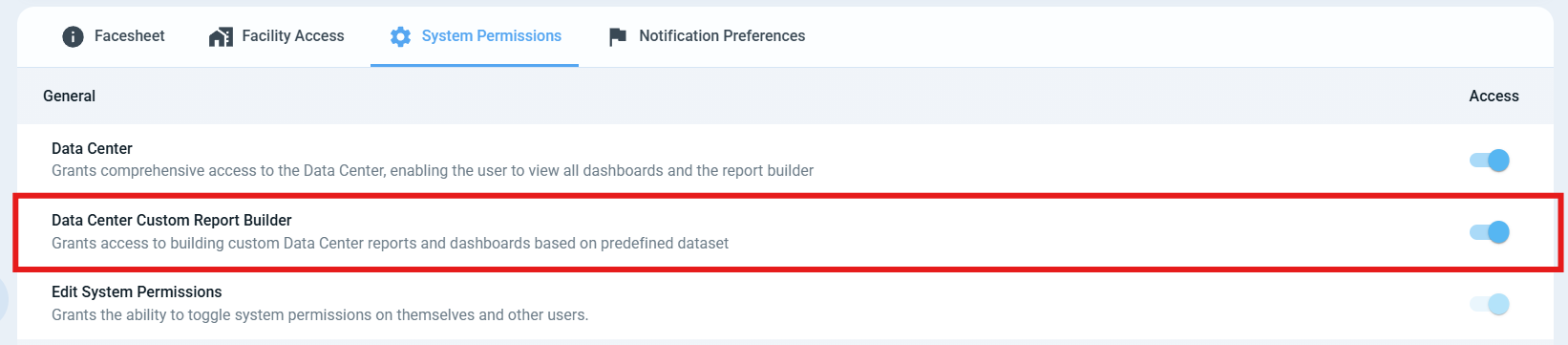
Custom Report Builder Permission:
The ability to build custom reports is controlled by the Custom Report Builder permission.
By default:
Coordinators have this permission turned off
Adminstrators and Superadmins have this permission turned on
Users without report builder permission can still view dashboards and any custom reports created by others.
AI Feature Access:
Access to AI features (Exa) in the Data Center is tied to the Custom Report Builder permission.
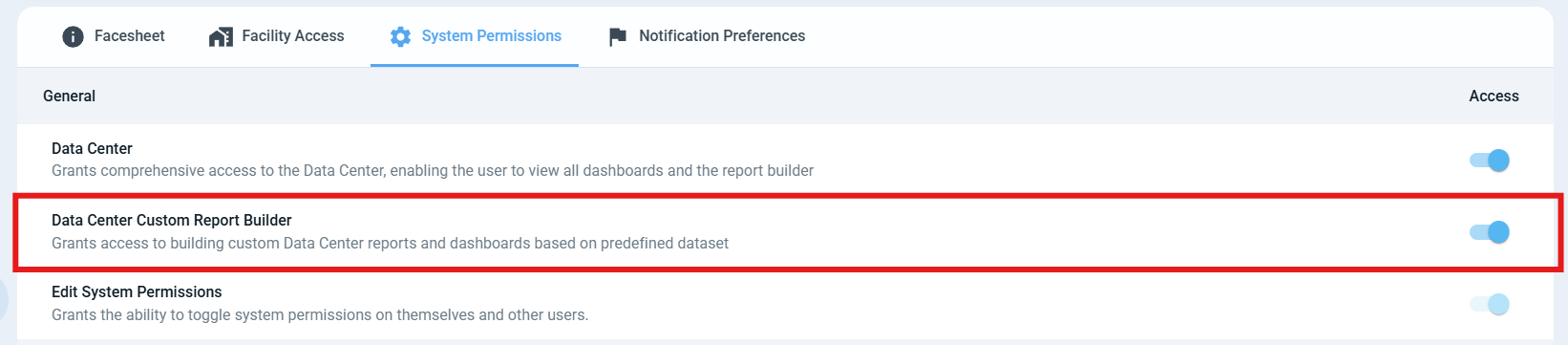
Only users with the Custom Report Builder permission enabled can access AI features, including the AI Dashboard Assistant.
Granting Permission:
Superadmins have the ability to edit permissions on a per user basis (i.e can give coordinators access to these features)
How to turn this permission on:
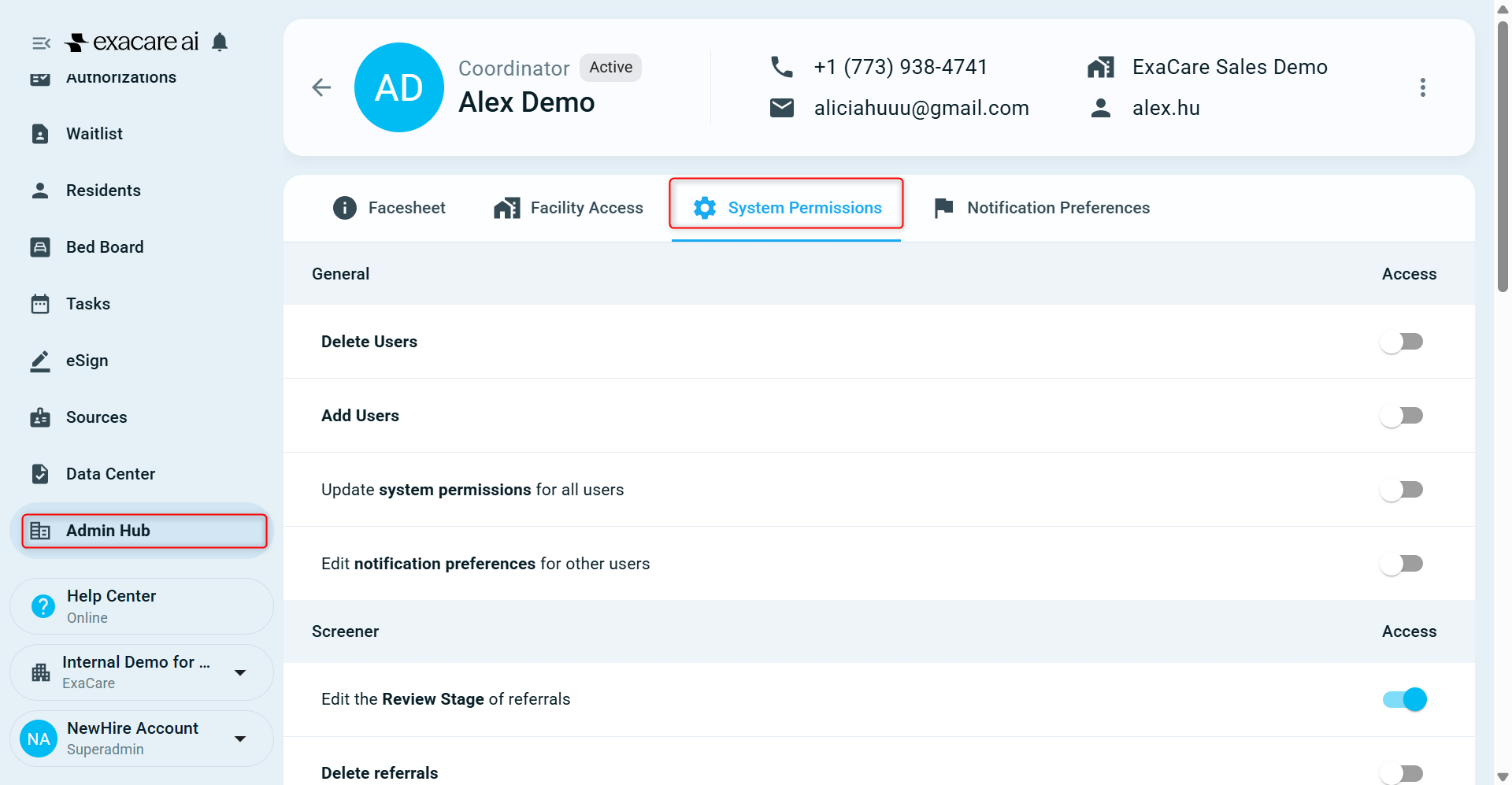
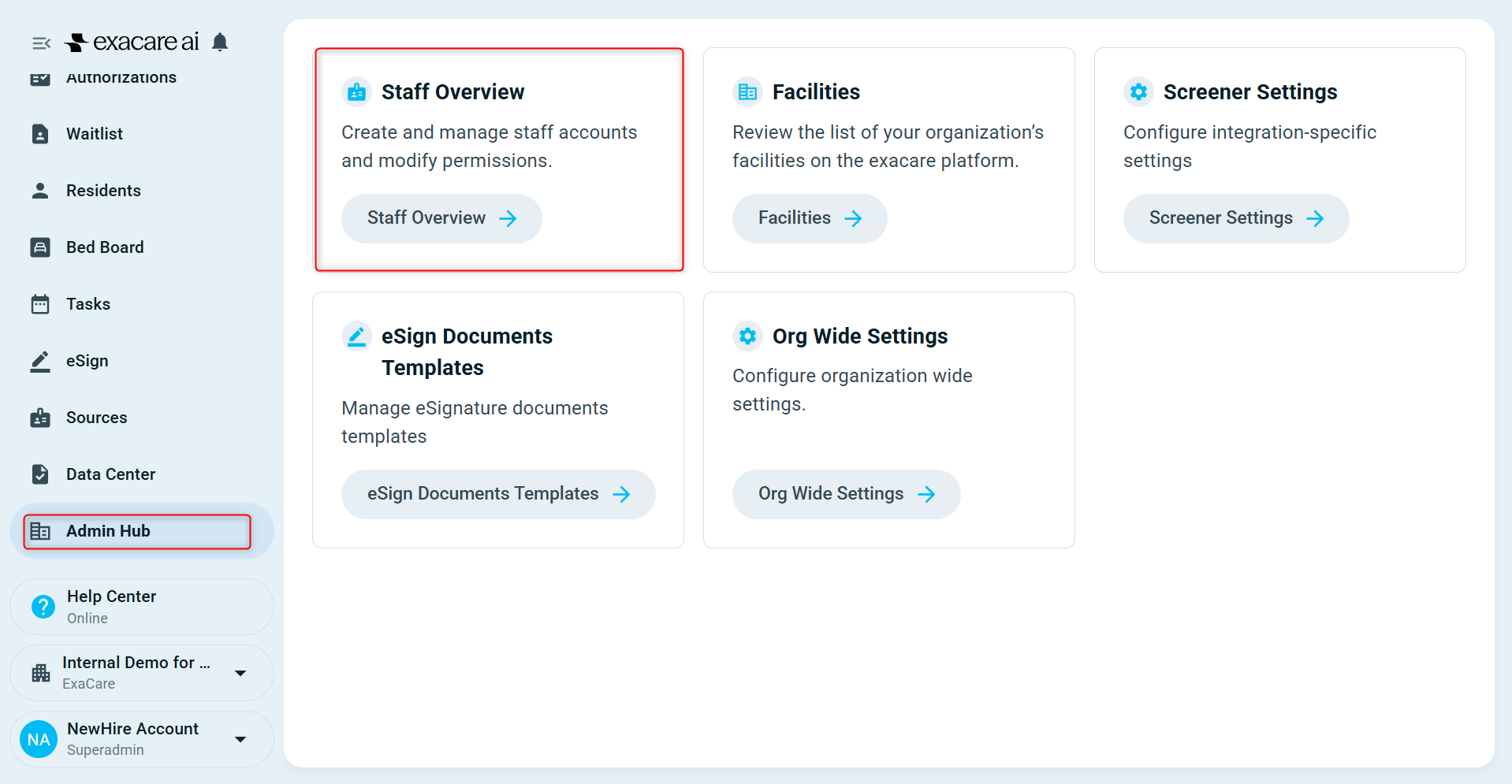
Go to "Admin Hub"
Click on "Staff Overview"
Find the desired user and click on their profile
Click on "System Permissions"
Toggle on the "Data Center Custom Report Builder" permission
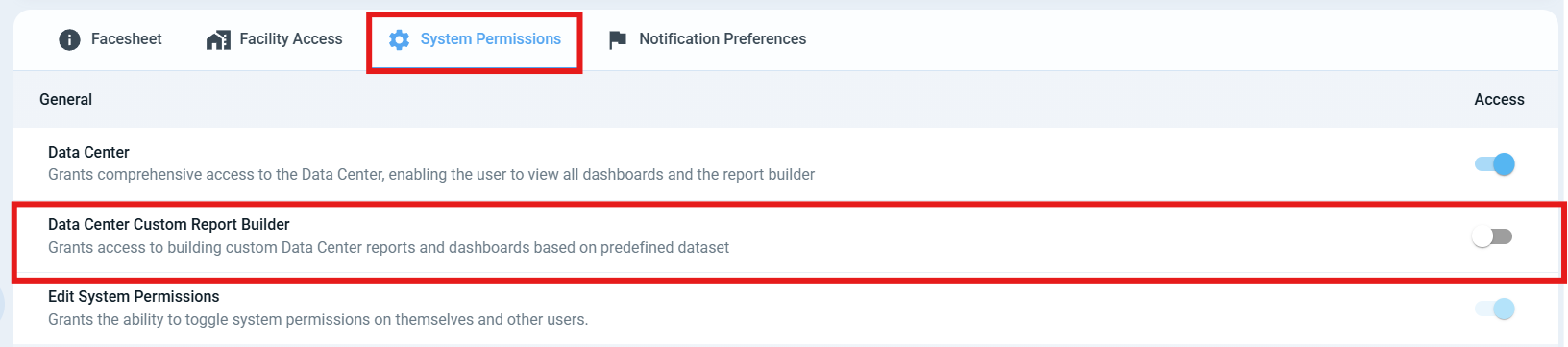
Done! This user now has the ability to build custom reports!